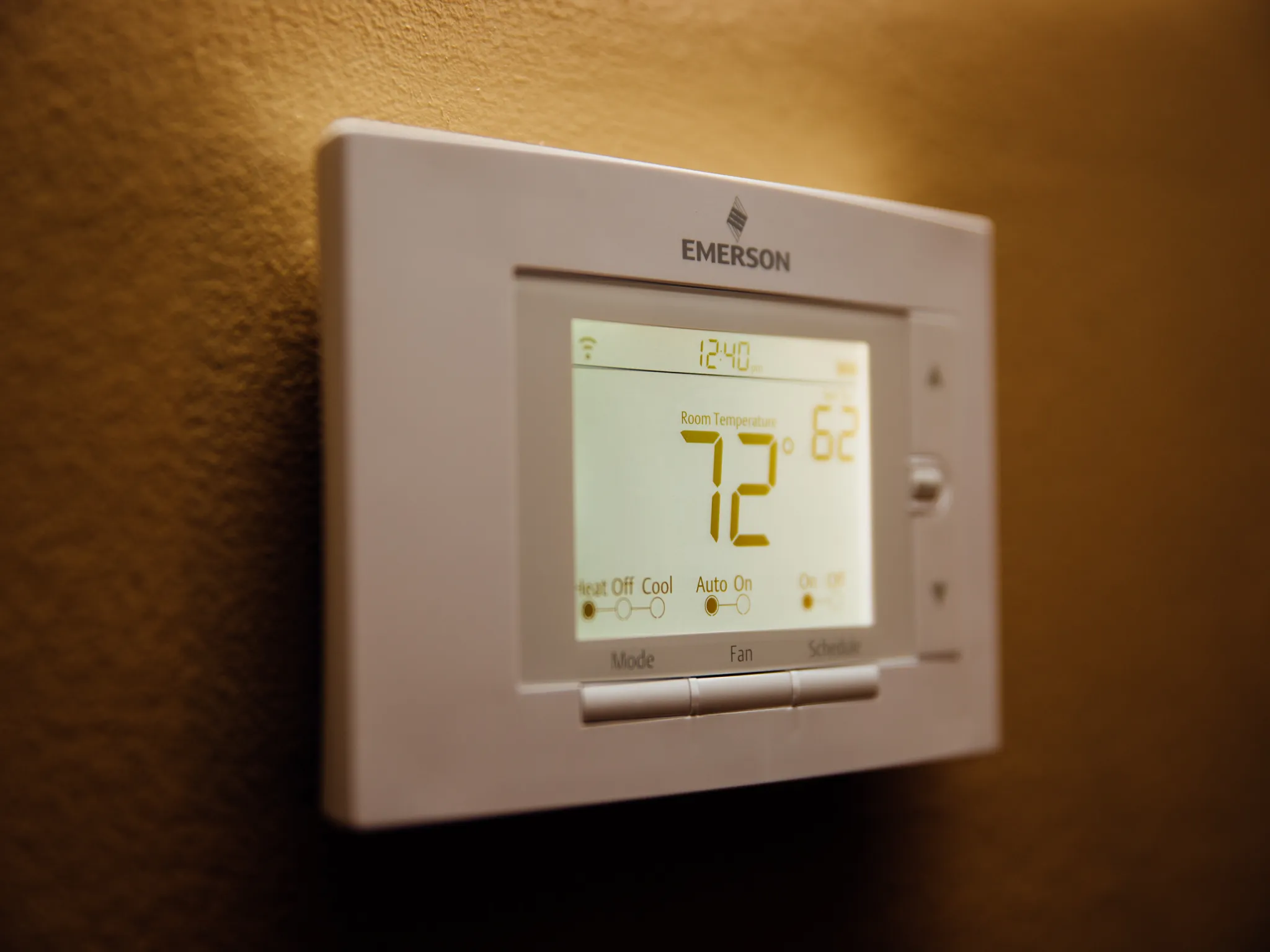
Thermostat sensors that report temperatures or occupancy patterns that do not match how a room feels can turn a small convenience into a daily annoyance. A remote sensor can be accurate yet poorly located. Exterior walls, direct sun, supply vents, electronics, kitchens, closed furniture, or rarely used corners can make a reading unrepresentative of the occupied part of a room. The useful approach is to separate hardware, network, app, and automation behavior instead of changing everything at once. A separate general thermostat technology reading can provide broader context, but model-specific reset and safety steps should still come from the device maker.
Support Paths for Better Temperature Readings
For U.S. households, the most useful support source depends on which layer owns the failure. Use the thermostat maker for sensor participation, calibration, occupancy behavior, and scheduling. Use professional HVAC help if temperature differences reflect airflow or equipment problems rather than sensor placement. The five options below are real providers or platforms with relevant smart-home products, setup tools, or support paths; they are not presented as a universal ranking.
1. ecobee
ecobee builds smart thermostats and connected sensors for temperature, occupancy, doors, and windows, along with other home-security devices. Its SmartSensor products are particularly relevant when comfort or automation depends on where a sensor is placed and what it is detecting. For thermostat sensors that report temperatures or occupancy patterns that do not match how a room feels, confirm the native device path before changing a second platform.
2. Google Home / Nest
Google Home brings compatible devices, automations, cameras, doorbells, speakers, and thermostats into one control environment. Nest hardware and the Google Home app are especially relevant when a problem involves routines, device status, notifications, or account-linked controls. With thermostat sensors that report temperatures or occupancy patterns that do not match how a room feels, use this option when the failure touches features it directly controls.
3. ADT
ADT is relevant here. ADT combines monitored security with connected devices such as smart locks, Google Nest thermostats, lights, plugs, sensors, and cameras. The ADT+ environment can coordinate security and automation functions, so troubleshooting often involves both the device and the account or automation layer. Test its native controls before linked routines or assistants.
4. Amazon Alexa
Amazon Alexa supports compatible lights, plugs, thermostats, cameras, locks, appliances, and other smart-home devices. Its ecosystem can use cloud integrations as well as supported local technologies such as Matter, Thread, Zigbee, and Bluetooth, depending on the device. When thermostat sensors that report temperatures or occupancy patterns that do not match how a room feels, avoid broad resets until you know whether this layer is actually failing.
5. OnTech Smart Services
OnTech Smart Services owns part of the control chain. OnTech Smart Services offers professional setup for a range of connected-home equipment, including smart lighting, cameras, doorbells, locks, voice assistants, speakers, routers, mesh Wi-Fi, and thermostats. Its service model includes installation, configuration, and user guidance. That helps separate device, platform, and network faults.
How Should You Evaluate a Thermostat Sensor Reading?
Compare the sensor reading with the thermostat and room conditions over time, not from one moment. Move the sensor away from obvious heat or cold sources and confirm which sensors the thermostat is currently using for comfort decisions. Cross-check broader broader climate-control context against the current app and official support instructions before changing account, network, or security settings.
Use the thermostat maker for sensor participation, calibration, occupancy behavior, and scheduling. Use professional HVAC help if temperature differences reflect airflow or equipment problems rather than sensor placement. Write down the result of each test before moving to the next layer. That prevents a successful change from being lost among several resets and makes it easier to explain the problem if you contact support.
Frequently Asked Questions
Where should a thermostat room sensor be placed?
Use the manufacturer’s guidance, generally in a representative occupied area away from direct sun, drafts, supply vents, exterior temperature extremes, and heat-producing electronics. The goal is to measure the room people actually use.
Why does one sensor show a different temperature from the thermostat?
Different locations often have real temperature differences. Check whether the gap is stable, whether one device is exposed to a heat source or draft, and which sensor the system is using at that time.
Can occupancy sensing change thermostat behavior?
Yes on systems that use occupancy-aware comfort features. A room sensor may influence which spaces are prioritized, so a placement that rarely detects people can change how the thermostat interprets household activity.
Let Sensors Represent the Rooms You Use
Remote sensors improve comfort only when they represent the spaces people occupy. Placement, participation settings, and actual HVAC airflow should be checked together before assuming the sensor is inaccurate. If you also consult broader thermostat-sensor reading, use it as supporting background while keeping security, safety, reset, and firmware actions tied to the current product documentation.